Save resources. Organize knowledge.
Actually learn.
NotedPin helps you save anything from the web, organize it, and turn scattered links into structured learning.
Free to join · No credit card required
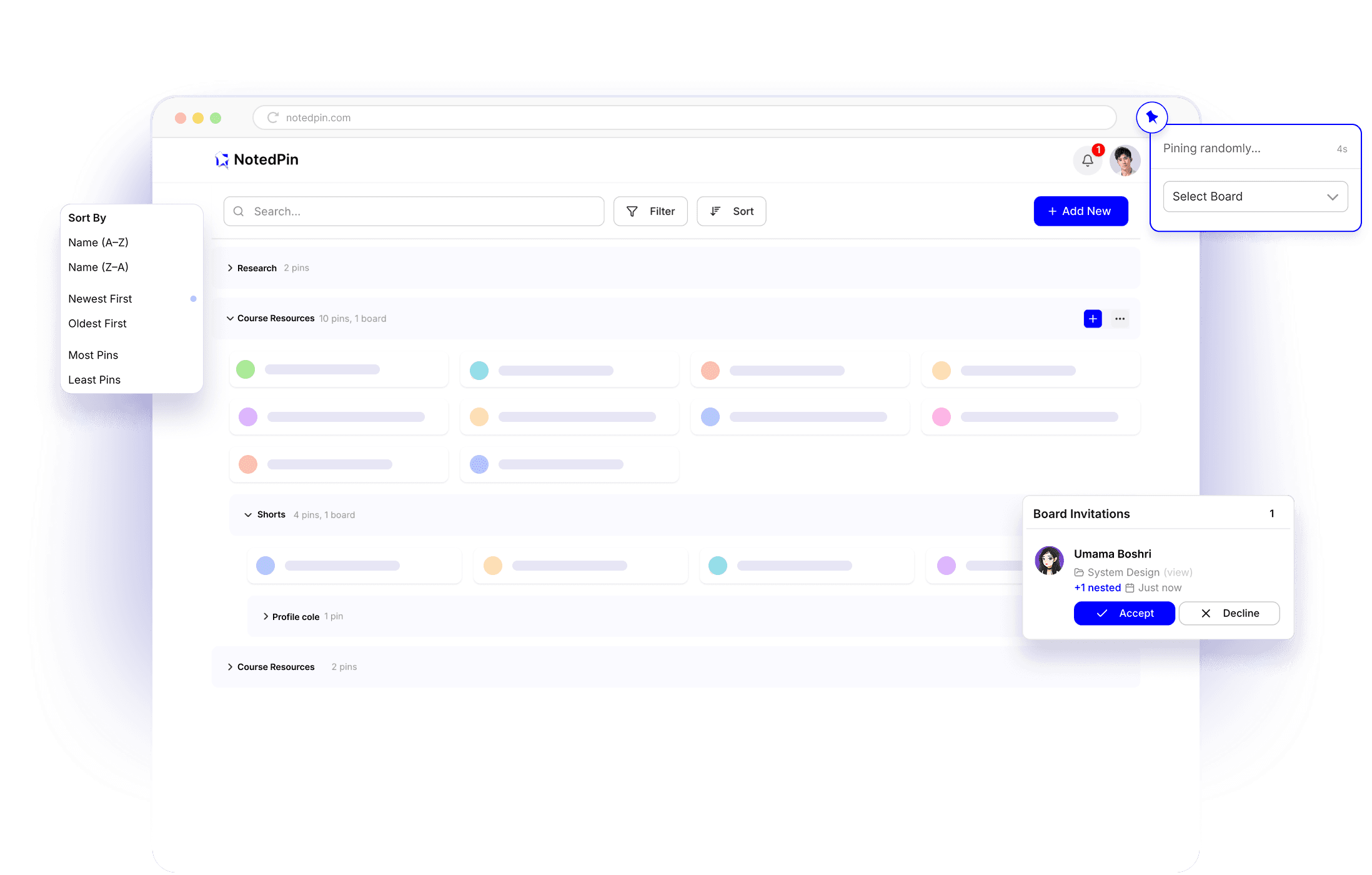
You save everything.
You use nothing.
Most saved content is never revisited. Without structure, even valuable resources get lost within hours.
Your bookmarks turn into clutter
You save with good intentions. Weeks later, you can't find what you need or remember why you saved it.
No structure, no clarity
Your content is scattered across tools and tabs. Without structure, it becomes noise, not knowledge.
Saving isn't learning
Real learning needs structure, context, and a reason to return, not just another list of links.
Before
After NotedPin
saved links revisited
avg. unread bookmarks
structured paths built
Save it.
Use it. Share it.
Three simple steps to turn scattered links into structured knowledge you can actually use and share.
Save
Pin any link in one click. No friction, just save it and move on.
Organize
Organize your Pins. Add notes, tags, and order them to create a clear, meaningful structure.
Share
Share your Boards with others. Help them follow your curated resources.
From saving to learning
in minutes
Setup
Sign up for NotedPin and add the Chrome extension from the web store.
Pin anything
Save any link from the web instantly using the extension. NotedPin captures the title and source automatically.
Organize into Boards
Group your resources into Boards with tags and notes. Drag, reorder, and sequence them into a learning path that works for you.
Share with anyone
Turn your Boards into shareable, step-by-step learning paths others can easily follow.
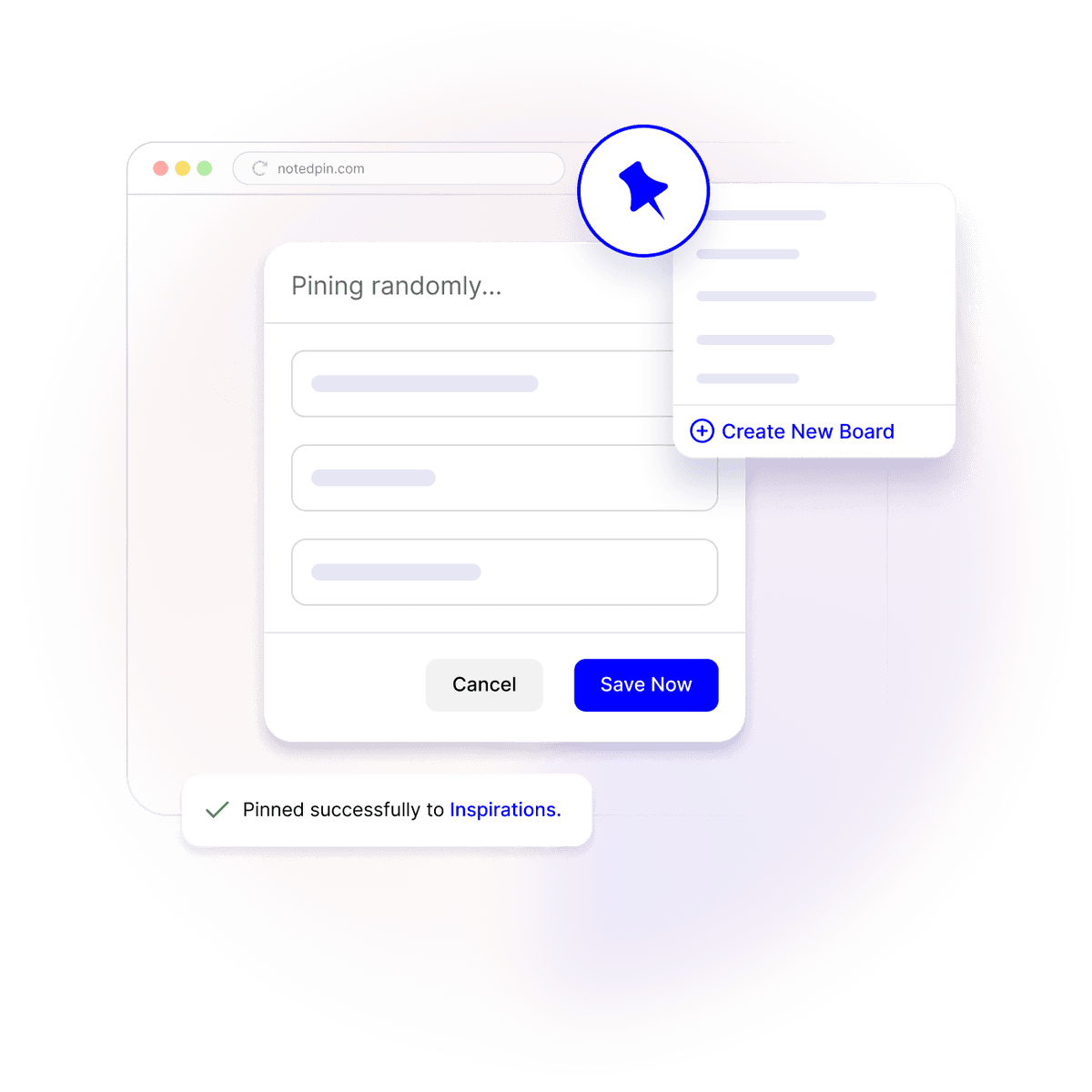
Simple on the surface.
Powerful underneath.
NotedPin turns everything you save into structured knowledge you can actually use and easily share with others.
Structured Boards
Boards aren't folders. They're structured learning paths. Every Pin has a clear order, purpose, and place, so you're building a system, not a pile of saved links.
Ordered, purposeful learning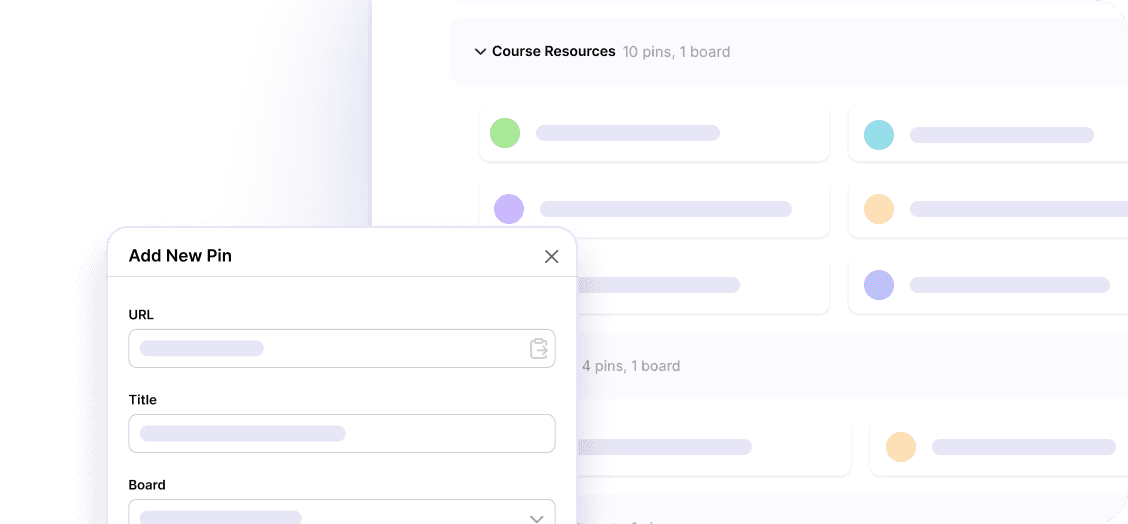
Smart Saving
Save anything from the web in seconds. Paste a link, and NotedPin automatically captures the title, source, and preview, ready to organize instantly.
Under 5 secondsShareable Paths
Turn any Board into a shareable learning path. Others can follow your structured content instantly.
Share knowledgeLightweight Focus
No AI bloat, no endless settings, no clutter. NotedPin stays out of your way so you can focus on learning, not managing tools.
No bloat, just focusWorks Anywhere
Open it. Start saving. No setup, no extensions required. NotedPin is a clean web app that works directly in your browser whenever you need it.
Instant accessAnd much more
We're building beyond the basics. Roadmap features, integrations, and improvements shaped by real user needs.
See what's coming next →Works for anyone
who thinks in links
Build your own curriculum
Sequence what you find online into a structured board — and actually work through it like a course.
"I finally finished a design course I built myself. NotedPin kept me on track."
Stay sharp in your field
Organize your industry reading by topic so you can find and reference it when it actually counts.
"My research board became the foundation of our Q3 strategy doc."
Share what you know
Package your knowledge into a shareable path — a personal resource guide for your audience.
"I shared my starter kit board with my newsletter. 600 people saved it in a week."
We're just
getting started
NotedPin is growing fast. Here's what we're building next, shaped by what our users actually need.
Browser Extension
Save any page to a Board in one click — right from your toolbar. No copy-pasting URLs.
AI Summaries
Let NotedPin auto-generate a short summary of each Pin, so you always remember why you saved it.
Collaborative Boards
Invite teammates to a shared Board. Build a team knowledge base together in real time.
Mobile App
iOS and Android apps with the share sheet — save anything from any app instantly.
Public Profiles
A public page showcasing your Boards — your personal knowledge portfolio to discover.
Learning Analytics
See patterns in what you save, how much you consume, and where your knowledge gaps are.
People don't need more content.
They need a system.
Get started in seconds. Build your first Board. Share your knowledge in a clean, structured way. Simple, organized, and ready to grow with you.
No credit card. No setup fees. Your boards are yours to keep.